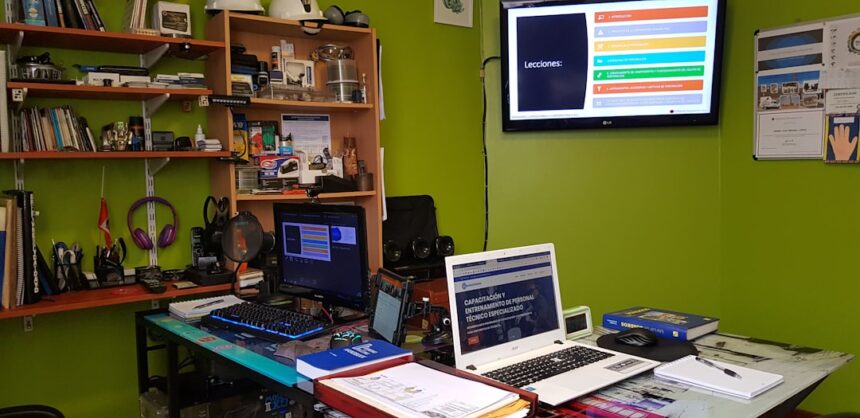
A productivity dashboard is a visual representation of key performance indicators (KPIs) and metrics that help you track and manage your work efficiency. It consolidates data from various sources into a single interface, allowing you to monitor your progress in real-time. By presenting information in an easily digestible format, a productivity dashboard enables you to quickly assess your performance and identify areas for improvement.
Whether you are managing a team or working on personal projects, this tool can be invaluable in keeping you organized and focused. In essence, a productivity dashboard serves as your command center. It provides a snapshot of your tasks, deadlines, and overall productivity levels, making it easier for you to prioritize your work.
With the right dashboard, you can visualize your goals and achievements, helping you stay motivated and accountable. As you navigate through your daily responsibilities, having this centralized view can significantly enhance your ability to make informed decisions and optimize your workflow.
Key Takeaways
- A productivity dashboard is a tool that provides a visual representation of key performance indicators and metrics to help businesses track and improve their productivity.
- Using a productivity dashboard can lead to increased efficiency, better decision-making, improved communication, and enhanced collaboration within a business.
- Key features to look for in a productivity dashboard include customizable widgets, real-time data updates, goal tracking, and integration with existing tools and systems.
- When choosing the right productivity dashboard for your business, consider factors such as scalability, ease of use, cost, and the specific needs of your team.
- Setting up and customizing your productivity dashboard involves identifying relevant metrics, creating user-friendly layouts, and providing training for team members.
Benefits of Using a Productivity Dashboard
One of the primary benefits of using a productivity dashboard is the enhanced visibility it provides into your work processes. By aggregating data from various projects and tasks, you can quickly identify bottlenecks or areas where you may be falling behind. This level of insight allows you to make timely adjustments, ensuring that you stay on track to meet your goals.
Additionally, the visual nature of dashboards makes it easier for you to communicate progress to stakeholders or team members, fostering transparency and collaboration. Another significant advantage is the ability to set measurable goals and track your progress over time. With a productivity dashboard, you can establish specific targets for yourself or your team and monitor how well you are meeting those objectives.
This not only helps in maintaining motivation but also encourages accountability among team members. When everyone can see their contributions toward collective goals, it fosters a sense of ownership and commitment to achieving success.
Key Features to Look for in a Productivity Dashboard

When selecting a productivity dashboard, there are several key features that you should consider to ensure it meets your needs effectively. First and foremost, look for customization options that allow you to tailor the dashboard to reflect your specific goals and metrics. The ability to add or remove widgets, change layouts, and select which KPIs to display will enable you to create a personalized experience that aligns with your workflow.
Another important feature is real-time data integration. A productivity dashboard should pull information from various tools and platforms you already use, such as project management software, time tracking applications, or communication tools. This seamless integration ensures that you have access to the most up-to-date information without having to manually input data from multiple sources.
Additionally, consider dashboards that offer mobile compatibility, allowing you to access your productivity metrics on the go.
How to Choose the Right Productivity Dashboard for Your Business
| Dashboard Feature | Description |
|---|---|
| Customization | Ability to customize the dashboard to display relevant metrics for your business |
| Integration | Ability to integrate with other tools and software used in the business |
| Real-time Data | Capability to display real-time data for quick decision making |
| User Access Control | Feature to control access to specific data and metrics based on user roles |
| Data Visualization | Various visualization options such as charts, graphs, and tables for better understanding |
Choosing the right productivity dashboard for your business requires careful consideration of several factors. Start by assessing your specific needs and objectives. Are you looking for a tool that focuses on individual productivity, or do you need something that can manage team performance?
Understanding your primary goals will help narrow down your options significantly. Next, evaluate the scalability of the dashboard. As your business grows, your needs may change, so it’s essential to select a solution that can adapt accordingly.
Look for dashboards that offer various pricing tiers or additional features that can be unlocked as your requirements evolve. Finally, take advantage of free trials or demos whenever possible. This hands-on experience will allow you to gauge how user-friendly the interface is and whether it aligns with your workflow.
Setting Up and Customizing Your Productivity Dashboard
Once you’ve chosen a productivity dashboard, the next step is setting it up and customizing it to suit your needs. Begin by integrating the tools and systems you currently use into the dashboard. This may involve connecting project management software, time tracking applications, or communication platforms.
The goal is to create a cohesive environment where all relevant data is accessible in one place. After integration, focus on customizing the layout and features of the dashboard. Choose which KPIs are most important for you and arrange them in a way that makes sense for your workflow.
You might want to prioritize tasks by deadlines or categorize them by project type. The more tailored your dashboard is to your specific needs, the more effective it will be in helping you manage your productivity.
Integrating Your Existing Tools and Systems with Your Productivity Dashboard
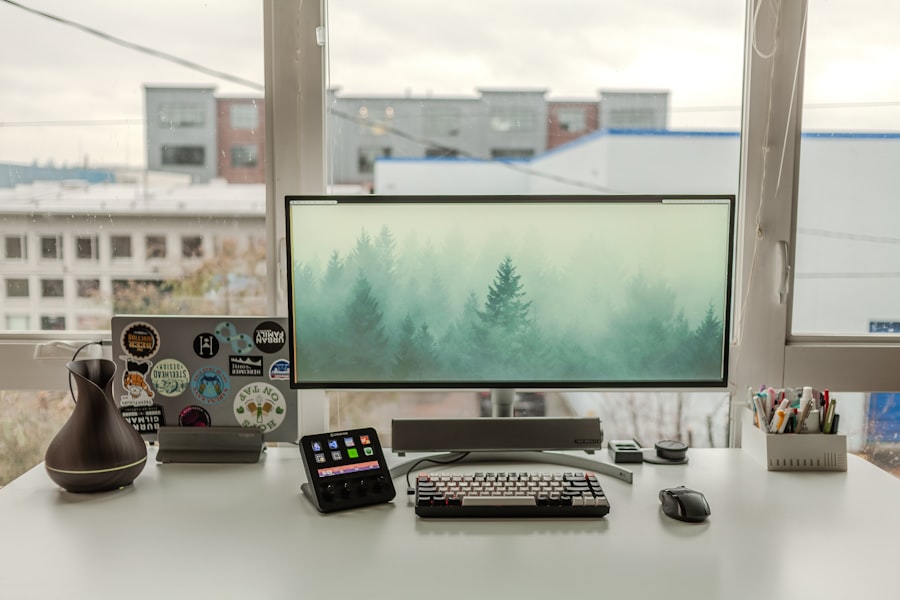
Integration is a crucial aspect of maximizing the effectiveness of your productivity dashboard. To get started, identify all the tools and systems that are integral to your workflow. This could include project management software like Trello or Asana, time tracking tools like Toggl or Harvest, and communication platforms like Slack or Microsoft Teams.
The goal is to ensure that all relevant data flows seamlessly into your dashboard. Once you’ve identified these tools, check if they offer direct integrations with your chosen productivity dashboard. Many modern dashboards come equipped with built-in connectors for popular applications, making it easy for you to sync data automatically.
If direct integration isn’t available, consider using third-party services like Zapier or Integromat to create custom workflows that pull data from various sources into your dashboard.
Tips for Maximizing Efficiency with Your Productivity Dashboard
To truly maximize efficiency with your productivity dashboard, consider implementing a few best practices. First, make it a habit to review your dashboard regularly—ideally daily or weekly—to stay updated on your progress and any potential issues that may arise. This consistent check-in will help you remain proactive rather than reactive when it comes to managing tasks.
Additionally, leverage the insights provided by the dashboard to inform your decision-making process. Use the data to identify trends in your productivity levels or areas where you may need additional support or resources. By analyzing this information regularly, you can make informed adjustments to your workflow that enhance overall efficiency.
Monitoring and Analyzing Your Team’s Productivity with the Dashboard
If you’re managing a team, monitoring their productivity through the dashboard can provide valuable insights into performance levels and areas for improvement. Utilize features such as team member performance metrics or project completion rates to gauge how well each individual is contributing toward collective goals. This data can help you identify high performers who may be ready for more responsibility as well as those who may need additional support or training.
Moreover, consider setting up regular team meetings where you review the dashboard together. This collaborative approach not only fosters transparency but also encourages open discussions about challenges and successes within the team. By analyzing productivity data collectively, you can brainstorm solutions and strategies that benefit everyone involved.
Utilizing Data and Insights from Your Productivity Dashboard to Make Informed Decisions
The true power of a productivity dashboard lies in its ability to provide actionable insights based on real-time data. As you gather information over time, look for patterns that can inform your decision-making process. For instance, if certain tasks consistently take longer than expected, it may indicate a need for process improvements or additional resources.
Additionally, use the insights gained from the dashboard to set future goals and benchmarks for yourself or your team. By establishing clear objectives based on historical data, you can create realistic expectations that drive performance while also motivating everyone involved.
Best Practices for Maintaining and Updating Your Productivity Dashboard
Maintaining an effective productivity dashboard requires regular updates and adjustments as needed. Start by routinely reviewing the KPIs displayed on the dashboard—are they still relevant? As projects evolve or new priorities emerge, be prepared to modify which metrics are highlighted to ensure they align with current objectives.
Furthermore, encourage feedback from team members regarding the usability of the dashboard. Their insights can help identify any areas where improvements could be made or features that may not be serving their intended purpose effectively. By fostering an environment of continuous improvement around the dashboard’s functionality, you’ll ensure it remains a valuable tool in driving productivity.
Case Studies: Real-Life Examples of Companies Maximizing Efficiency with a Productivity Dashboard
To illustrate the effectiveness of productivity dashboards in real-world scenarios, consider companies like Buffer and Trello that have successfully implemented these tools into their workflows.
This allows them to make data-driven decisions about content strategy while optimizing their marketing efforts.
Similarly, Trello employs its own project management tool as part of its productivity strategy by integrating various dashboards that provide insights into team performance and project timelines. By leveraging these tools effectively, both companies have been able to streamline their operations while enhancing collaboration among team members. In conclusion, adopting a productivity dashboard can significantly enhance your ability to manage tasks efficiently while providing valuable insights into performance levels over time.
By understanding what features are essential for your needs and implementing best practices for maintenance and analysis, you’ll be well-equipped to maximize efficiency within yourself or your team.
If you’re looking to enhance your productivity with a comprehensive dashboard, you might find the article on Productive Patty’s Sample Page particularly insightful. This article delves into various tools and techniques that can be integrated into your productivity dashboard to streamline your workflow and maximize efficiency. By exploring these resources, you can tailor a dashboard that not only tracks your tasks but also optimizes your daily routines for better performance.
Reclaim 70% Mental Energy with THIS Hack
FAQs
What is a productivity dashboard?
A productivity dashboard is a visual tool that provides an overview of an individual or team’s productivity and performance. It typically includes key metrics, KPIs, and other relevant data to help users track and improve their productivity.
What are the benefits of using a productivity dashboard?
Using a productivity dashboard can help individuals and teams track their progress, identify areas for improvement, and make data-driven decisions to increase efficiency and effectiveness. It can also help in setting and achieving goals, improving communication, and fostering accountability.
What features should a good productivity dashboard have?
A good productivity dashboard should have customizable widgets and charts, the ability to track multiple metrics and KPIs, real-time data updates, and the option to integrate with other productivity tools and software. It should also be user-friendly and visually appealing for easy interpretation of data.
What are some popular productivity dashboard tools?
Some popular productivity dashboard tools include Trello, Asana, Monday.com, ClickUp, and Microsoft Power BI. These tools offer a range of features to help individuals and teams track and improve their productivity.
How can a productivity dashboard help with time management?
A productivity dashboard can help with time management by providing insights into how time is being spent, identifying time-wasting activities, and setting priorities. It can also help in tracking deadlines, managing workloads, and optimizing schedules for better time management.