
When you think about the performance of your computer mouse, the polling rate is a crucial factor that often goes unnoticed. The polling rate, measured in Hertz (Hz), indicates how often your mouse reports its position to your computer. For instance, a mouse with a polling rate of 125 Hz sends data every 8 milliseconds, while one with a polling rate of 1000 Hz does so every millisecond.
This seemingly technical detail can significantly impact your overall experience, whether you’re gaming, working on graphic design, or simply browsing the web. A higher polling rate means more frequent updates, leading to smoother and more responsive cursor movements. Understanding the importance of polling rate is essential for anyone who relies on precision and speed in their computing tasks.
If you’re a gamer, for example, a higher polling rate can mean the difference between victory and defeat in fast-paced scenarios. In professional settings, such as graphic design or video editing, a high polling rate allows for more accurate control over your tools, enhancing your workflow. Therefore, recognizing how polling rate affects your mouse’s performance can help you make informed decisions when selecting the right device for your needs.
Key Takeaways
- Understanding the Importance of Polling Rate in a Mouse:
- Polling rate refers to how often the mouse sends data to the computer, affecting responsiveness and accuracy.
- A higher polling rate can result in smoother cursor movement and improved gaming and work performance.
- How High Polling Rate Mice Can Improve Your Productivity:
- High polling rate mice can reduce input lag and provide more precise control, leading to increased productivity.
- Faster response times and smoother tracking can help users work more efficiently and comfortably.
- Top Features to Look for in a High Polling Rate Mouse:
- Look for customizable polling rates, ergonomic design, and high-quality sensors for optimal performance.
- Additional features such as programmable buttons and adjustable DPI settings can further enhance productivity.
- Comparing Different High Polling Rate Mice on the Market:
- Consider factors such as build quality, sensor accuracy, and software customization options when comparing high polling rate mice.
- User reviews and expert recommendations can help in choosing the best high polling rate mouse for specific needs.
- Ergonomic Design and Comfort: Essential Factors in a High Polling Rate Mouse:
- Comfortable grip, customizable buttons, and smooth gliding are crucial for long-term use and reduced hand fatigue.
- Ergonomic design plays a significant role in ensuring user comfort and minimizing the risk of repetitive strain injuries.
How High Polling Rate Mice Can Improve Your Productivity
High polling rate mice can significantly enhance your productivity by providing a more fluid and responsive experience. When you use a mouse with a high polling rate, you’ll notice that your cursor moves more smoothly across the screen, allowing for precise movements that are essential in tasks requiring accuracy. This is particularly beneficial when working with design software or performing detailed tasks where every pixel counts.
The increased responsiveness can reduce the time it takes to complete tasks, ultimately leading to greater efficiency in your work. Moreover, a high polling rate mouse can help reduce fatigue during long hours of use. With smoother tracking and less lag, you’ll find that your hand movements feel more natural and less strained.
This ergonomic advantage can lead to longer periods of focused work without the discomfort that often accompanies prolonged computer use. As you become more comfortable with your mouse, you may find that your overall productivity increases, allowing you to accomplish more in less time.
Top Features to Look for in a High Polling Rate Mouse
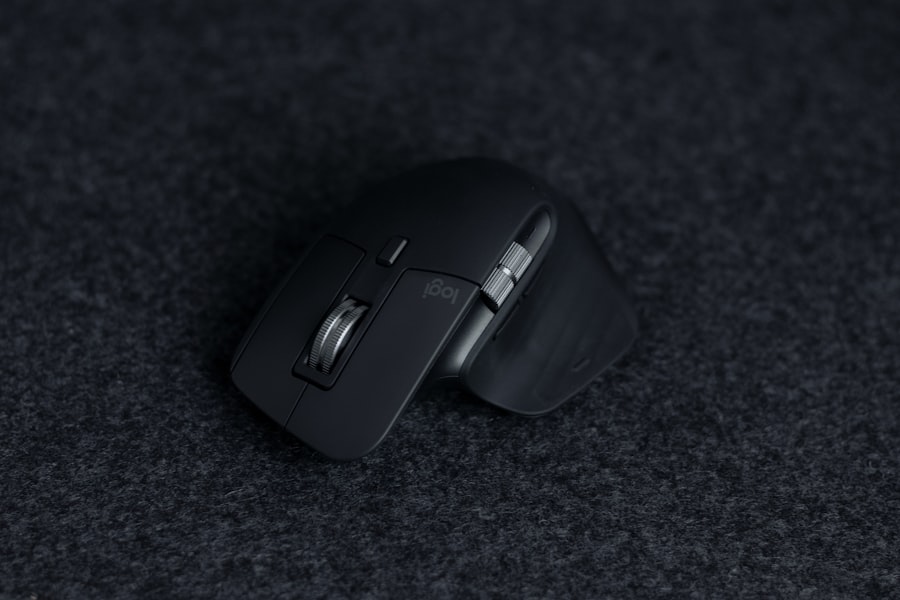
When searching for a high polling rate mouse, there are several key features to consider that can enhance your overall experience. First and foremost, look for a mouse that offers adjustable polling rates. This feature allows you to switch between different settings depending on your current task, whether it’s gaming or professional work.
A mouse that supports multiple polling rates gives you the flexibility to optimize performance based on your specific needs. Another important feature is customizable buttons. Many high polling rate mice come equipped with programmable buttons that allow you to assign specific functions or macros.
This can be particularly useful for gamers who need quick access to various commands or for professionals who want to streamline repetitive tasks. Additionally, consider the sensor technology used in the mouse. Optical and laser sensors can provide different levels of precision and tracking capabilities, so choose one that aligns with your usage patterns.
Comparing Different High Polling Rate Mice on the Market
| Mouse Model | Polling Rate (Hz) | DPI | Price |
|---|---|---|---|
| Razer DeathAdder V2 | 1000 | 20000 | 69.99 |
| Logitech G Pro X Superlight | 1000 | 25000 | 149.99 |
| SteelSeries Aerox 3 | 1000 | 18000 | 99.99 |
As you explore the market for high polling rate mice, you’ll encounter a variety of options tailored to different preferences and budgets. Some popular models boast impressive specifications, including polling rates of up to 1000 Hz and advanced sensor technologies that ensure accurate tracking on various surfaces. Brands like Logitech, Razer, and Corsair have established themselves as leaders in this space, offering mice designed specifically for gamers and professionals alike.
When comparing different models, pay attention to user reviews and expert opinions to gauge performance and reliability. Look for features such as build quality, battery life (for wireless models), and compatibility with different operating systems. Additionally, consider the weight and size of the mouse; some users prefer lightweight designs for quick movements, while others may opt for heavier models for added stability.
By carefully evaluating these factors, you can find a high polling rate mouse that meets your specific requirements.
Ergonomic Design and Comfort: Essential Factors in a High Polling Rate Mouse
While polling rate is crucial for performance, ergonomic design and comfort should not be overlooked when selecting a high polling rate mouse. An ergonomically designed mouse can help prevent strain and discomfort during extended use, which is especially important if you spend long hours at your computer. Look for features such as contoured shapes that fit comfortably in your hand and materials that provide a good grip.
Additionally, consider the weight and size of the mouse in relation to your hand size and grip style. Some mice offer adjustable weights or customizable shapes to cater to individual preferences. A comfortable mouse not only enhances your experience but also contributes to better productivity by allowing you to focus on your tasks without being distracted by discomfort.
The Impact of High Polling Rate Mice on Gaming and Work Performance
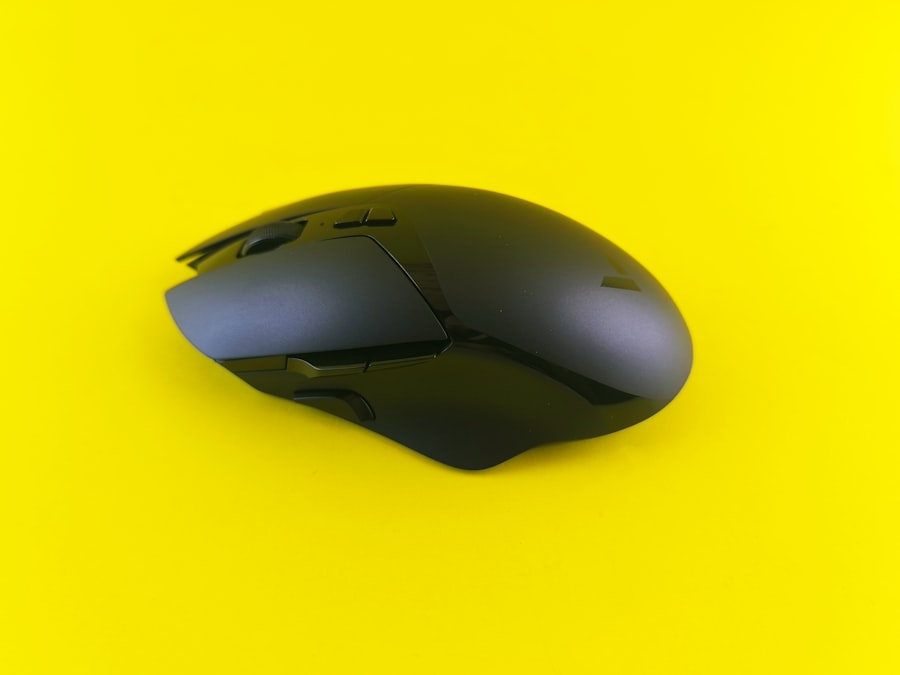
The impact of high polling rate mice extends beyond mere convenience; it can significantly influence both gaming and work performance. In gaming scenarios, a high polling rate translates to quicker response times and improved accuracy during fast-paced action. Gamers often rely on split-second decisions, and having a mouse that can keep up with their movements can be the key to success in competitive environments.
In professional settings, the benefits are equally pronounced. Tasks such as graphic design or video editing require precision and control that a high polling rate mouse can provide.
Ultimately, investing in a high polling rate mouse can lead to noticeable improvements in both gaming and work performance.
Tips for Choosing the Right High Polling Rate Mouse for Your Needs
Choosing the right high polling rate mouse involves considering several factors tailored to your specific needs. Start by assessing how you plan to use the mouse—whether for gaming, professional work, or general use—since different activities may require different features. For gamers, look for mice with customizable DPI settings and programmable buttons that allow for quick access to in-game commands.
Next, consider your grip style—palm grip, claw grip, or fingertip grip—as this will influence the shape and size of the mouse that feels most comfortable for you. Additionally, think about whether you prefer a wired or wireless model; while wired mice often provide lower latency, wireless options have come a long way in terms of performance and convenience. By taking these factors into account, you can select a high polling rate mouse that aligns perfectly with your requirements.
Setting Up and Customizing Your High Polling Rate Mouse for Maximum Productivity
Once you’ve chosen your high polling rate mouse, setting it up correctly is essential for maximizing its potential. Begin by installing any necessary drivers or software provided by the manufacturer; this will allow you to access advanced features such as customizable settings and profiles. Many high polling rate mice come with software that enables you to adjust DPI settings, polling rates, and button assignments according to your preferences.
Customization doesn’t stop at software; consider adjusting physical settings as well. For instance, if your mouse has adjustable weights or interchangeable side grips, experiment with these options to find what feels best during use. Additionally, take some time to create profiles tailored to different applications—one for gaming and another for productivity tasks—so you can switch seamlessly between them as needed.
How High Polling Rate Mice Can Enhance Your Workflow and Efficiency
High polling rate mice can significantly enhance your workflow and efficiency by providing a seamless user experience that minimizes lag and maximizes responsiveness. When you’re working on complex projects that require precision—such as video editing or graphic design—a high polling rate ensures that every movement is accurately reflected on-screen without delay. This responsiveness allows you to focus on creativity rather than technical limitations.
Moreover, the ability to customize buttons and settings means you can streamline repetitive tasks that would otherwise consume valuable time. For instance, assigning frequently used commands or shortcuts to programmable buttons can save you from navigating through menus repeatedly. By integrating these features into your daily workflow, you’ll find yourself completing tasks more efficiently and effectively.
Troubleshooting Common Issues with High Polling Rate Mice
Even the best high polling rate mice can encounter issues from time to time. One common problem is erratic cursor movement or lagging responses; this could be due to interference from other wireless devices if you’re using a wireless model or issues with surface compatibility if you’re using an optical sensor. To troubleshoot this issue, try changing the surface on which you’re using the mouse or repositioning any nearby wireless devices.
Another issue might arise from software conflicts or outdated drivers. If you’re experiencing problems with button assignments or DPI settings not functioning correctly, ensure that you’ve installed the latest drivers from the manufacturer’s website. Additionally, check the software settings to confirm that everything is configured as intended.
By addressing these common issues proactively, you can maintain optimal performance from your high polling rate mouse.
The Future of High Polling Rate Mice: What to Expect in the Coming Years
As technology continues to evolve at a rapid pace, the future of high polling rate mice looks promising. Innovations in sensor technology are likely to lead to even higher polling rates and improved accuracy across various surfaces. Manufacturers are also focusing on enhancing wireless technology to reduce latency further while maintaining battery life—a critical factor for users who prefer wireless devices.
Moreover, we can expect advancements in customization options as well as integration with artificial intelligence (AI) features that could adapt settings based on user behavior or preferences over time. As these developments unfold, high polling rate mice will likely become even more integral tools for gamers and professionals alike, enhancing both performance and user experience in ways we have yet to imagine. In conclusion, understanding the significance of polling rates in mice is essential for anyone looking to improve their computing experience—whether for gaming or professional tasks.
By considering factors such as ergonomic design, customization options, and troubleshooting common issues, you can select a high polling rate mouse that meets your needs while enhancing productivity and comfort in your daily activities.
If you’re in the market for the best productivity mouse with a high polling rate, you might find it helpful to explore various options that cater to different needs and preferences. A related article that delves into the specifics of choosing the right productivity tools can be found on Productive Patty’s website. This article provides insights into the features that make a mouse ideal for productivity, such as ergonomic design, customizable buttons, and, importantly, a high polling rate for smoother and more responsive performance. For more detailed information, you can check out the article on Productive Patty’s website.
Reclaim 70% Mental Energy with THIS Hack
FAQs
What is a high polling rate in a productivity mouse?
A high polling rate in a productivity mouse refers to the frequency at which the mouse reports its position to the computer. It is measured in hertz (Hz) and indicates how many times per second the mouse sends data to the computer.
Why is a high polling rate important for a productivity mouse?
A high polling rate is important for a productivity mouse as it ensures smoother and more responsive cursor movement, which can enhance productivity and reduce input lag during tasks such as graphic design, video editing, and gaming.
What is considered a high polling rate for a productivity mouse?
A high polling rate for a productivity mouse is typically considered to be 1000Hz, which means the mouse reports its position to the computer 1000 times per second. Some advanced gaming mice may offer even higher polling rates.
What are some benefits of using a productivity mouse with a high polling rate?
Some benefits of using a productivity mouse with a high polling rate include improved accuracy, reduced input lag, smoother cursor movement, and enhanced responsiveness, all of which can contribute to increased productivity and efficiency during tasks.
Are there any drawbacks to using a productivity mouse with a high polling rate?
While a high polling rate can offer benefits in terms of responsiveness and accuracy, it may also consume more power and resources from the computer. Additionally, some users may not notice a significant difference in everyday productivity tasks.