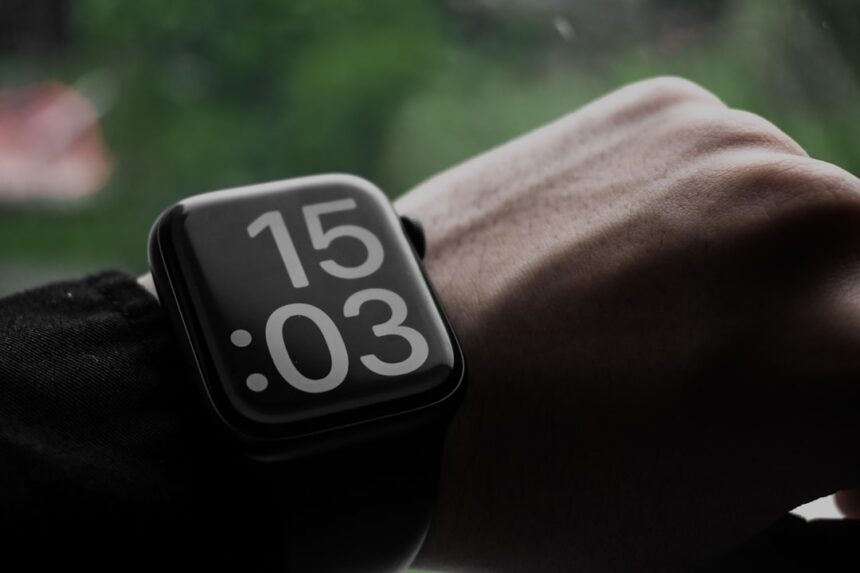
In today’s fast-paced world, staying organized and productive is more important than ever. The Apple Watch has emerged as a powerful tool that can help you manage your time, tasks, and overall well-being. With a plethora of apps designed specifically for productivity, the Apple Watch allows you to streamline your daily activities and keep everything at your fingertips.
Whether you’re a busy professional, a student juggling multiple responsibilities, or someone simply looking to enhance your efficiency, the right apps can transform your watch into a productivity powerhouse. As you explore the various applications available for your Apple Watch, you’ll discover that they cater to a wide range of needs. From task management to fitness tracking, these apps are designed to help you make the most of your time and resources.
By integrating these tools into your daily routine, you can not only boost your productivity but also cultivate healthier habits and improve your overall quality of life. Let’s delve into some of the most effective categories of productivity apps available for your Apple Watch.
Key Takeaways
- Apple Watch apps can greatly enhance productivity by providing quick access to various tools and resources.
- Task management apps for Apple Watch offer convenient ways to stay organized and on top of your to-do list on the go.
- Note-taking apps for Apple Watch allow for easy capturing of ideas and important information right from your wrist.
- Time management apps for Apple Watch help users track and optimize their time, making it easier to stay focused and efficient.
- Fitness and health apps for Apple Watch enable users to monitor their physical activity and well-being, promoting a balanced and productive lifestyle.
Task Management Apps for Apple Watch
Task management apps are essential for anyone looking to keep their responsibilities organized and manageable. With the Apple Watch, you can access these apps directly from your wrist, allowing you to check off tasks and set reminders without needing to pull out your phone. One popular option is Todoist, which offers a clean interface and seamless synchronization across devices.
You can quickly add tasks, set deadlines, and even categorize them by project or priority level. This level of organization ensures that you never miss an important deadline again. Another noteworthy task management app is Things 3.
This app is known for its intuitive design and powerful features that allow you to create tasks with ease. You can set reminders, create checklists, and even view your upcoming tasks at a glance.
By utilizing these task management apps, you can enhance your productivity and maintain focus throughout your day.
Note-taking Apps for Apple Watch
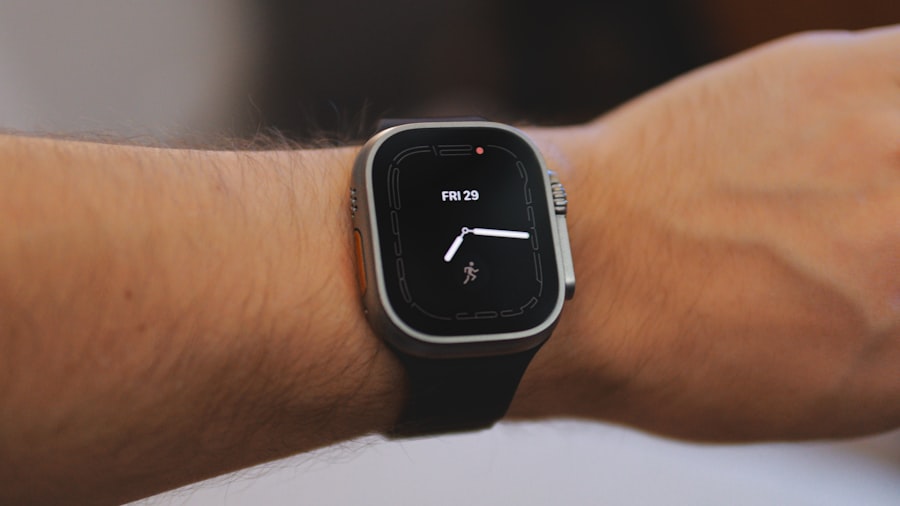
Note-taking is an essential skill for anyone looking to capture ideas and information on the fly. With the Apple Watch, you can take notes quickly and efficiently using dedicated apps designed for this purpose. One such app is Evernote, which allows you to create notes, voice memos, and even capture images directly from your watch.
This means that whether you’re in a meeting or out running errands, you can jot down important thoughts without missing a beat. Another excellent option is Microsoft OneNote, which offers a robust note-taking experience across all devices. With its Apple Watch integration, you can easily create quick notes or reminders that sync seamlessly with your other devices.
This ensures that no matter where you are or what you’re doing, your thoughts are always accessible. By leveraging these note-taking apps on your Apple Watch, you can ensure that your ideas are captured and organized, making it easier to refer back to them when needed.
Time Management Apps for Apple Watch
| App Name | Price | Rating | Features |
|---|---|---|---|
| Todoist | Free / 3.99/month | 4.7 | Task management, reminders, collaboration |
| Things 3 | 9.99 | 4.8 | Task organization, project planning, calendar integration |
| OmniFocus | 39.99 | 4.6 | Custom perspectives, location-based notifications, review mode |
Time management is crucial for maximizing productivity and ensuring that you allocate your hours effectively. The Apple Watch offers several time management apps that can help you track how you spend your time and identify areas for improvement. One popular choice is Toggl Track, which allows you to log time spent on various tasks directly from your wrist.
This feature is particularly useful for freelancers or anyone who needs to bill hours accurately. Another valuable time management tool is Focus Keeper, which utilizes the Pomodoro Technique to help you maintain focus and productivity. By breaking your work into intervals followed by short breaks, this app encourages sustained concentration while preventing burnout.
With notifications sent directly to your watch, you can easily keep track of your work sessions and breaks without losing momentum. By incorporating these time management apps into your routine, you can enhance your efficiency and make the most of every hour.
Fitness and Health Apps for Apple Watch
The Apple Watch is renowned for its fitness and health tracking capabilities, making it an invaluable tool for anyone looking to improve their physical well-being. Fitness apps like MyFitnessPal allow you to track your nutrition and exercise directly from your wrist. You can log meals, monitor calorie intake, and even set fitness goals that keep you motivated throughout the day.
Additionally, the built-in Activity app encourages you to stay active by tracking your movement, exercise, and standing time. With personalized goals and reminders sent straight to your watch, you’ll be more inclined to get up and move throughout the day. By utilizing these fitness and health apps on your Apple Watch, you can cultivate healthier habits that contribute to both physical and mental well-being.
Communication Apps for Apple Watch
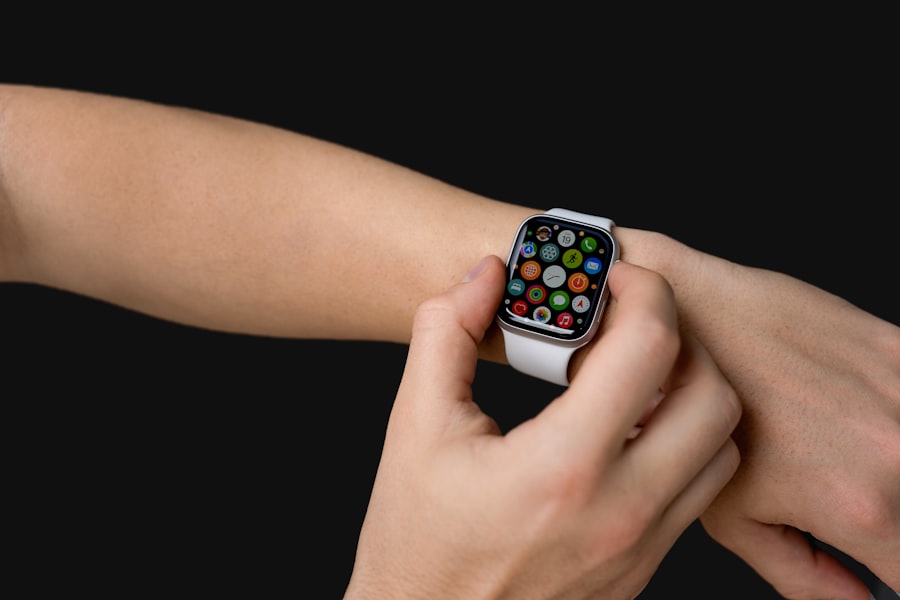
Staying connected is essential in both personal and professional settings, and the Apple Watch makes it easier than ever to communicate on the go. Messaging apps like WhatsApp and Slack have dedicated watch versions that allow you to send quick replies or check messages without needing to reach for your phone. This feature is particularly useful during meetings or when you’re busy with other tasks.
Moreover, the ability to receive notifications for calls and messages directly on your wrist means that you won’t miss important communications while multitasking. You can even respond using voice dictation or pre-set replies, making it convenient to stay engaged without interrupting your workflow. By leveraging communication apps on your Apple Watch, you can maintain connections while enhancing your productivity.
Finance and Budgeting Apps for Apple Watch
Managing finances effectively is crucial for achieving long-term goals and maintaining financial health. The Apple Watch offers several finance and budgeting apps that allow you to keep track of expenses and monitor your budget effortlessly. One popular option is Mint, which provides real-time updates on your spending habits and alerts you when you’re nearing budget limits.
Another excellent choice is YNAB (You Need A Budget), which helps you allocate funds effectively based on your financial goals. With notifications sent directly to your watch, you can quickly check your budget status or receive alerts about upcoming bills. By utilizing these finance and budgeting apps on your Apple Watch, you can take control of your financial situation and make informed decisions about spending.
Remote Control and Automation Apps for Apple Watch
The convenience of remote control and automation apps cannot be overstated when it comes to enhancing productivity. With the Apple Watch, you can control various smart devices in your home or office with just a few taps on your wrist. For instance, apps like Philips Hue allow you to adjust lighting settings without getting up from your seat.
Additionally, automation platforms like IFTTT (If This Then That) enable you to create custom workflows that streamline repetitive tasks. For example, you could set up an automation that sends a message to a colleague when you arrive at the office or adjusts the thermostat when you’re on your way home. By integrating these remote control and automation apps into your daily routine, you can save time and reduce distractions.
Goal Tracking Apps for Apple Watch
Setting and tracking goals is essential for personal growth and achievement. The Apple Watch offers several goal-tracking apps that help you stay focused on what matters most in your life. One popular option is Strides, which allows you to set specific goals—whether they’re related to fitness, finances, or personal development—and track your progress over time.
Another noteworthy app is Habitica, which gamifies goal tracking by turning it into a fun experience. You can earn rewards for completing tasks and maintaining habits while also engaging with a community of like-minded individuals. By utilizing these goal-tracking apps on your Apple Watch, you can stay motivated and accountable as you work towards achieving your aspirations.
Meditation and Mindfulness Apps for Apple Watch
Incorporating mindfulness into your daily routine is vital for maintaining mental clarity and reducing stress levels. The Apple Watch offers several meditation and mindfulness apps designed to help you cultivate a sense of calm amidst the chaos of everyday life. One popular choice is Headspace, which provides guided meditations tailored to various needs—whether you’re looking to reduce anxiety or improve focus.
Another excellent option is Calm, which offers a range of mindfulness exercises along with sleep stories designed to help you unwind at the end of the day. With notifications sent directly to your watch reminding you to take a moment for yourself, these apps encourage regular practice of mindfulness techniques. By integrating meditation and mindfulness apps into your routine via the Apple Watch, you can enhance both mental well-being and overall productivity.
Conclusion and Tips for Using Apple Watch Apps for Productivity
In conclusion, the Apple Watch serves as an invaluable tool for enhancing productivity across various aspects of life—from task management to mindfulness practices. By exploring the diverse range of apps available for this device, you can tailor its functionality to meet your unique needs and preferences. As you integrate these applications into your daily routine, consider setting specific goals for how you’d like to use them effectively.
To maximize the benefits of using Apple Watch apps for productivity, try establishing a consistent routine that incorporates these tools into specific times of day—whether it’s checking off tasks during breaks or setting reminders for mindfulness sessions in the morning or evening. Additionally, don’t hesitate to customize notifications so that they align with what matters most to you; this will help minimize distractions while keeping essential tasks front-of-mind. Ultimately, by harnessing the power of productivity apps available on the Apple Watch, you’ll find yourself better equipped to manage time effectively while also nurturing personal growth and well-being in today’s demanding world.
If you’re looking to enhance your productivity with the help of technology, the Apple Watch offers a range of apps designed to keep you organized and efficient. For a deeper dive into maximizing your productivity with the Apple Watch, you might find this related article on